
Data loss can happen to anyone and at any time. The more critical the files we lose, the more painful the experience can be if we didn't have recent file backups. In the guide, we will examine Wondershare Recoverit, one of the market's best file recovery solutions. Let's see how
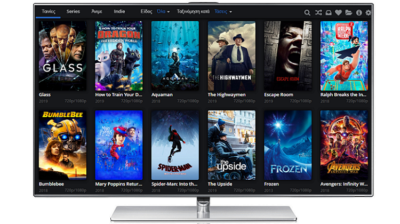
Most of us enjoy watching movies. The internet offers incomparably more comfort than going to a movie theater or watching a movie on TV, at the time and day the TV station dictates. After all, "video in demand" is the default option on the internet. If Kodi seems too complex

The Pirate Bay is arguably the most popular website to torrent movies, music, games, and so on. Even though it has done well for itself for more than fifteen years, it has also been the constant target of the authorities around the world, being outright blocked in some regions. Well,

Spotify and other popular music streaming services offer countless songs and music for online listening. However, if we wanted to play this music offline, we would have to switch to a premium subscription, which still does not allow us to save the tracks as MP3 files that we could play
Computers are great for movies and games, but many of us also use them for work. An Office suite, with a word processor, a spreadsheet app and a presentation utility, is essential for most systems. The best-known office suite is, of course, Microsoft Office. However, it doesn't come cheap. In

Gaming has been a popular pastime for decades, and mobile gaming is currently at its peak. However, an increasing number of games demand that we are always online, even for single-player games, since only being online will load the revenue-generating ads. As a result, we either have to spend our mobile
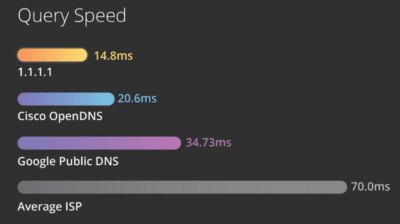
In spring 2018, Cloudflare presented a new DNS resolver that uses the IP address 1.1.1.1. This is a service that promises faster surfing and even higher anonymity. In this guide, we will see how we can set up DNS server 1.1.1.1 on Windows and Android. Also, we will measure and
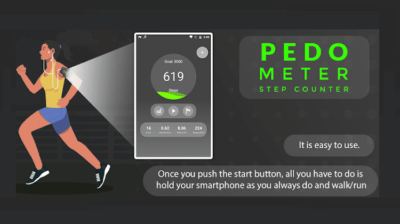
Aerobic exercise, or "cardio," is necessary for people who work in an office or lead a sedentary lifestyle. In order to keep fit and take care of our health, we should take 10,000 steps daily. Since it is not very easy to record our physical activity and count our steps
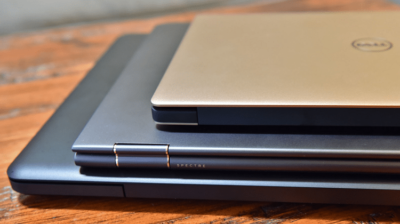
Depending on our needs, a brand new laptop can be expensive, costing several hundreds of dollars. On the other hand, used or refurbished laptops can potentially offer good enough performance at a fraction of the cost. In this guide, we will see the essential differences between used and refurbished laptops.
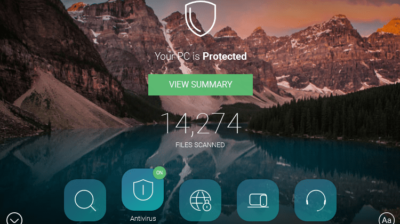
It is criminal negligence to have a Windows PC without an antivirus installed. Well, it isn't, but it should be, at the very least. Even if we have a computer with limited capabilities or is quite old, we can install a lightweight antivirus which doesn't use much of the system's